Image or vector, in — clean geometry, out
Drop a photo, a scan, or a messy vector. Get back clean geometry — cut-ready, CAD-ready, print-ready.
KERFECT turns a JPG or PNG image — or any vector (DXF, DWG, SVG, PDF, AI, PLT, EPS) — into clean lines, arcs, and true circles, ready to cut, print, route, engrave, or machine. It traces, rebuilds the geometry, flags the parts of a drawing that ruin a cut, and exports.
Open the tool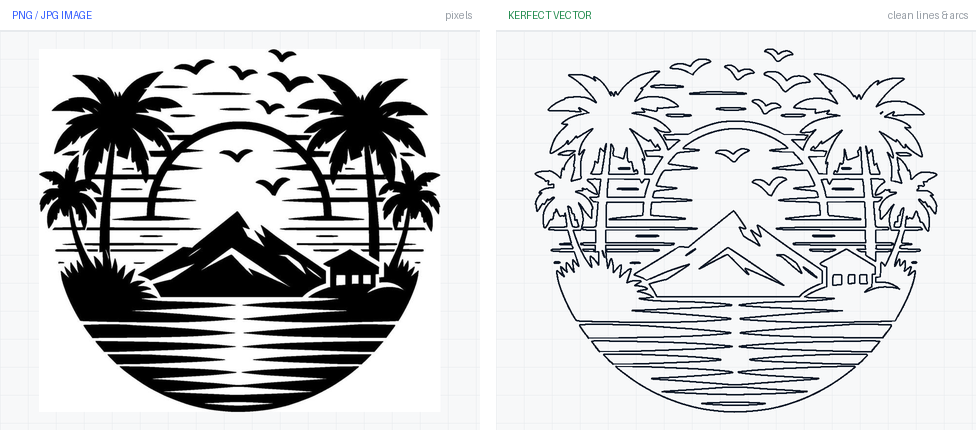
01 · Who it's for
One tool, four desks.
Same clean geometry, different next steps. KERFECT is accurate to a fraction of a kerf — the gap a laser leaves — the strictest accuracy bar a drawing will face. If the geometry is right there, it's right everywhere.
Customer photo or logo in, cut-ready DXF out — no redrawing, no vertex crawl on the machine.
True arcs and circles CAD actually recognizes, sized to one real dimension, extruded to STEP/IGES.
Clean SVG, PDF, and EPS paths that don't bloat files or crawl the plotter.
Your sketch or photo, traced and then fully editable — draw, trim, and redraw any piece in Sketch mode.
02 · What you can drop
Start from an image or a vector — one workflow either way.
Drop a photo or a scan and KERFECT traces it to vector. Drop a vector and it cleans and rebuilds it. Either way you land in the same editor, ready to check and export.
Black and silhouette-style images are ideal — our model is tuned specifically for high-contrast black-on-white artwork, so that's where the trace is cleanest and most faithful. Drop whatever you have either way; you review the result before anything gets cut.
03 · Dirty vector → clean
A traced or messy vector is thousands of tiny corners. KERFECT rebuilds it into real lines, arcs, and circles.
A raster trace or a poor export turns every smooth edge into a long string of points. Your machine slows at each one, and CAD can't treat a 200-point ring as a circle. KERFECT fits the intended contour within your tolerance — far fewer points, with true arcs and circles where they belong.
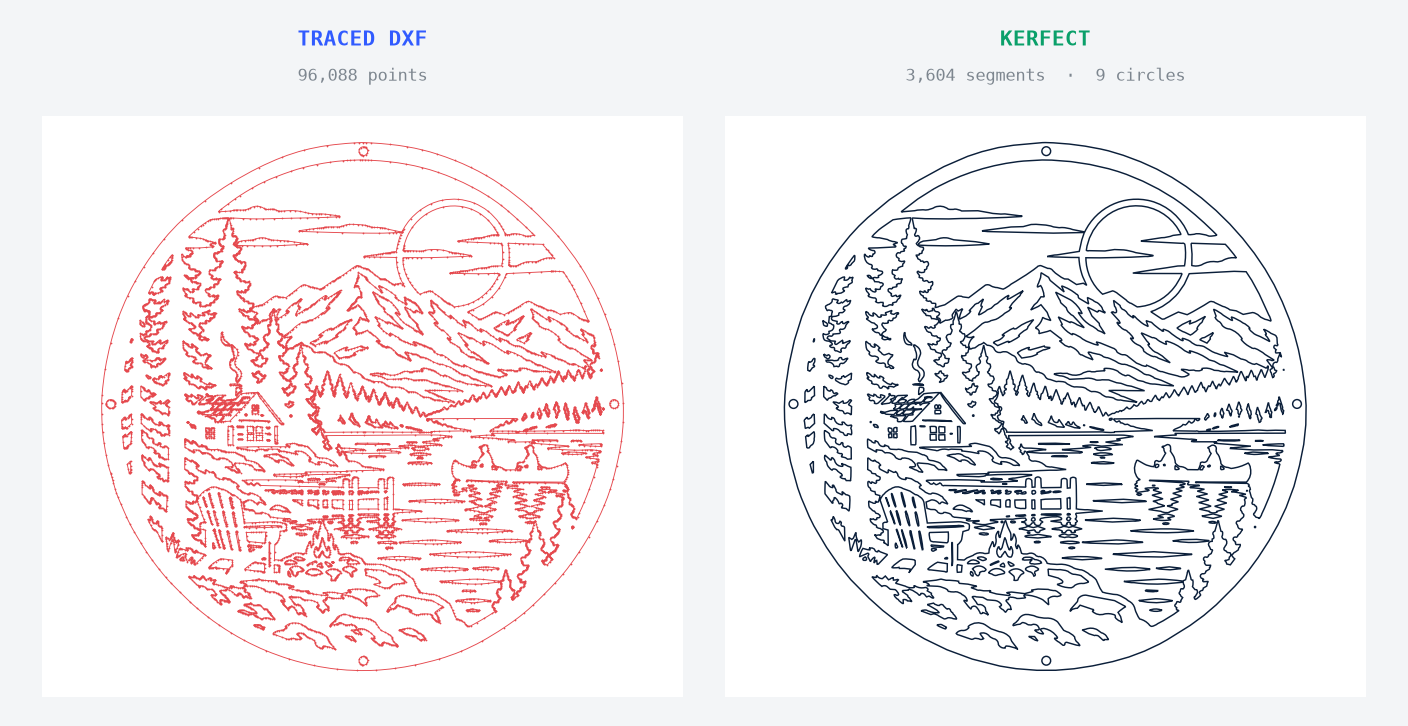
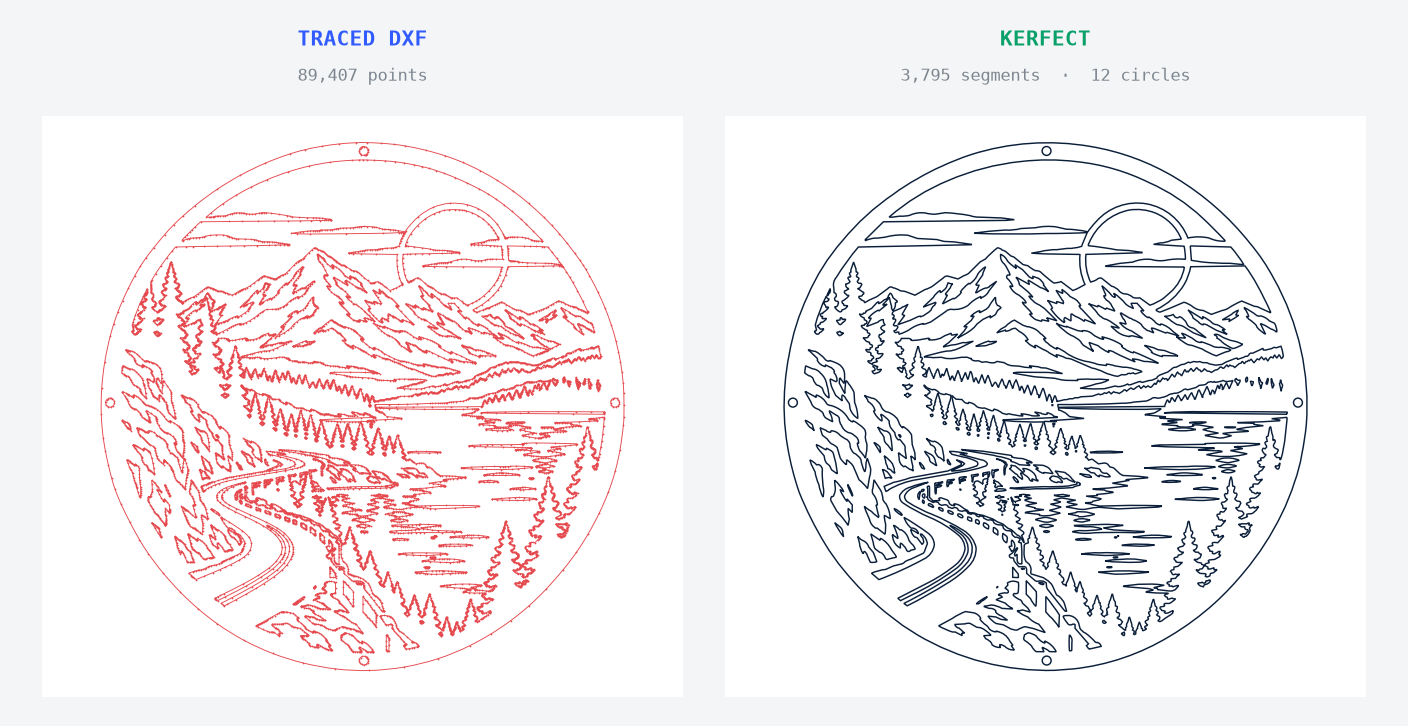
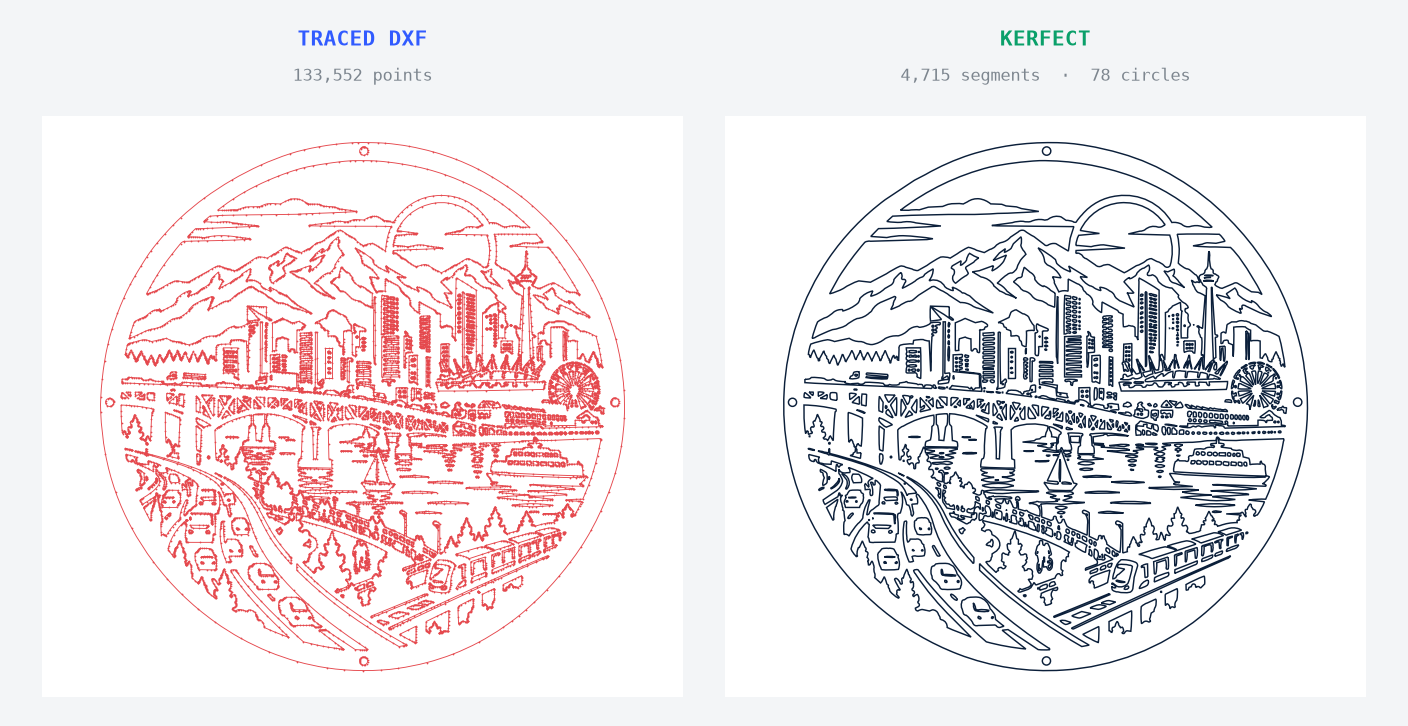
Your own before/after geometry stays visible in the viewer, so you can check every contour.
04 · KERFECT vs a plain converter
Other converters trace. KERFECT traces and rebuilds the geometry.
A typical online converter hands back the trace as-is: dense many-sided polygons, and every hole is a polygon — not a circle. Same source image, same output format (PNG → DXF); the difference is what happens after the trace.
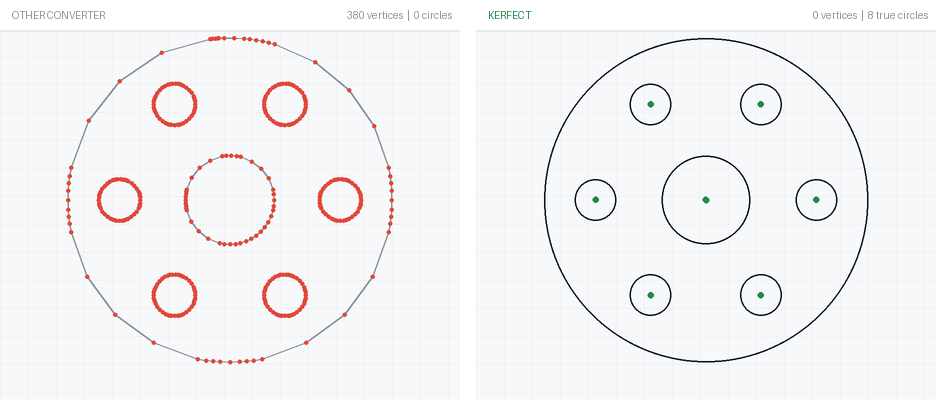
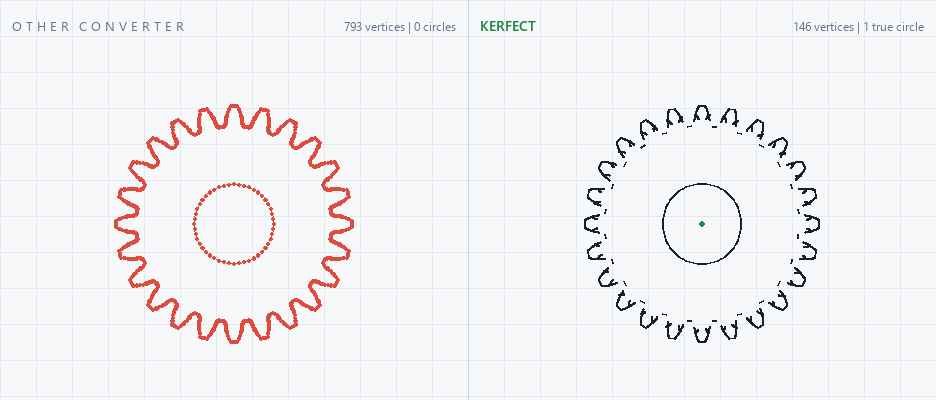
Fewer nodes and real arcs mean the cutter runs at full speed instead of decelerating at every point — and CAD reads real circles, not 200-sided polygons.
05 · Review & edit before you cut
Make the design and manufacturing calls a converter can't — then fix them in place.
The viewer flags what turns a good-looking drawing into a bad cut, and lets you edit it, right down to full vector control.
See pieces that will fall out of the sheet; add tabs at any angle to bridge them.
Place holes on the part's symmetry guides with a mirror helper; they cut as true circles.
Full vector editing — draw lines, circles, and rectangles, trim segments, and delete or redraw any piece of the geometry.
Weld dangling ends into closed loops; flag sub-kerf features that fill, offset, or disappear.
Set one real dimension and the whole part scales, so it imports at the right size.
Extrude the part in your material and thickness — a sanity check for the machine, a STEP/IGES handoff for CAD, a preview for the design.
06 · What you get out
Export to whatever your next step needs — from one Download menu.
DXF, SVG, PDF, and EPS are always available; DWG and the STEP/IGES solids come from the build view — that's your CAD handoff. KERFECT doesn't nest parts, program toolpaths, or guarantee a safe cut — it hands you clean geometry to take into those steps. Verify dimensions, material, and setup before production.
07 · Straight answers
Yes — that's a headline feature now. Drop the image and KERFECT traces it to vector, then cleans it into lines, arcs, and circles, all in one step. It works best on a clear black-and-white silhouette.
No. You get 5 free conversions per day without one during beta, plus unlimited runs on the sample files. A free account keeps your conversion history and lets you pick up where you left off.
It's processed to make your result and deleted within an hour. See Terms & Privacy for the current details.
Yes. Drop the photo and KERFECT traces it to vector. Set one real dimension — the width of a hole, a side of the part — to scale it to life size, then export STEP or IGES from the build view.
It's strongest when a contour should be smooth but has too many points, or when you need a clean trace of a silhouette. Busy photos or deliberate fine detail may want a tighter tolerance or a little cleanup in Sketch mode.
Drop the image or file that's giving you trouble.
Trace it, clean it, check the geometry, and export a cut-ready file.
Open the tool